
This tutorial about how to create unusual transparent glass effect which you can use in your designs.
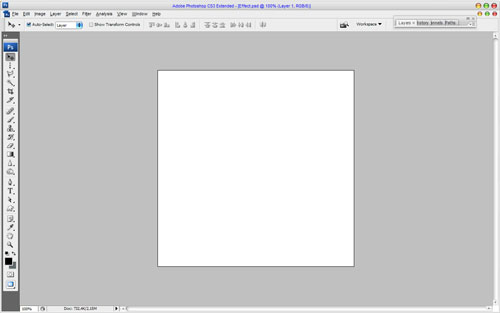
Create a new document about 500 pixels width and 500 pixels high and fill it with any color, it doesn’t meter for now.
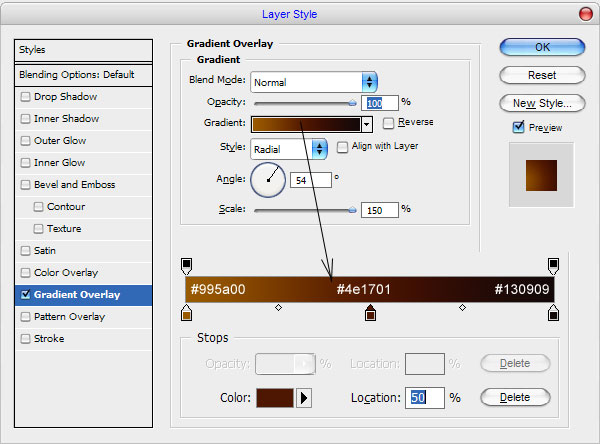
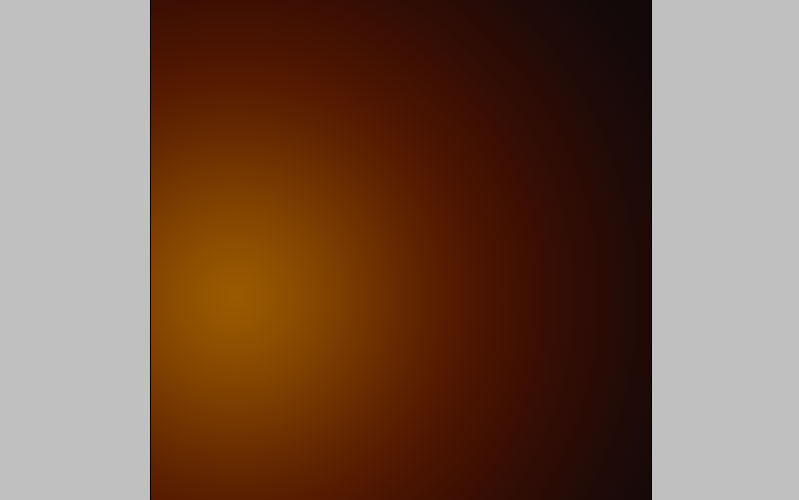
Then apply Gradient Overlay layer style for this layer:
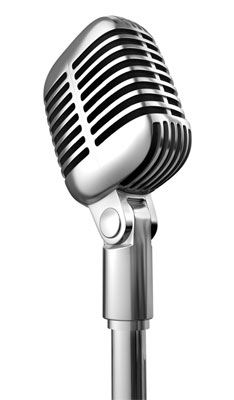
After that I would like to add the picture of microphone which can radiate musical notes. You can find suitable stock photo or use mine. Open up the picture and use Polygonal Lasso Tool to separate microphone from the background.

Press Ctrl+C to copy selected area, then go back to the main canvas and use Ctrl+V to bring copied part of image to here. Move it left and down.
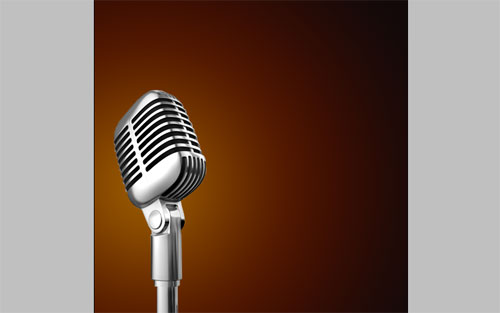
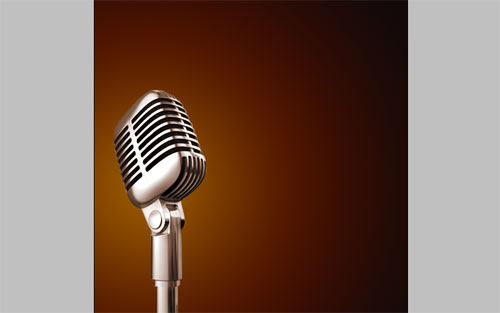
Ok, now apply Color Overlay Blending Option to this layer.

See the result below:
Ok, continue our tutorial next. After that select the Custom Shape Tool and draw the next shape what you can see on my screenshot below. This is one of the standard Photoshop custom shapes.
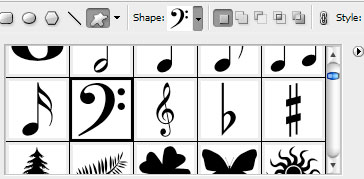
Use white color for shape. Then press Ctrl+T to rotate it a little bit.

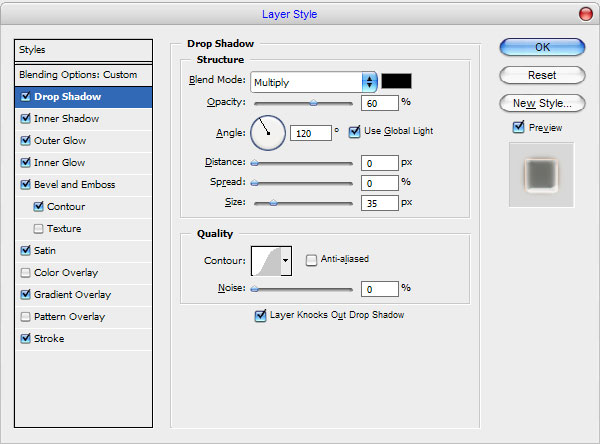
Ok, after that apply following layer styles to this layer:
• Drop Shadow
• Inner Shadow
• Outer Glow
• Inner Glow
• Bevel and Emboss
• Contour
• Satin
• Gradient Overlay
• Stroke
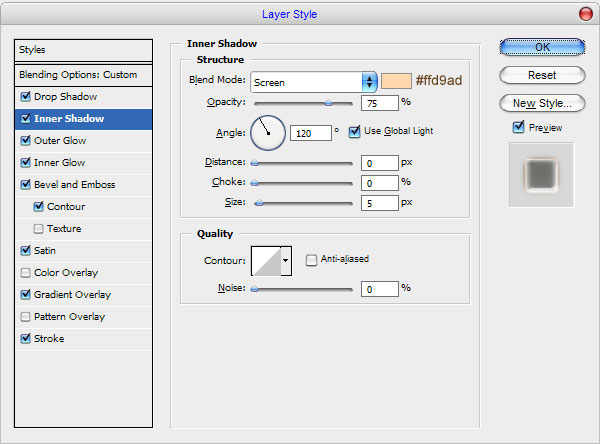
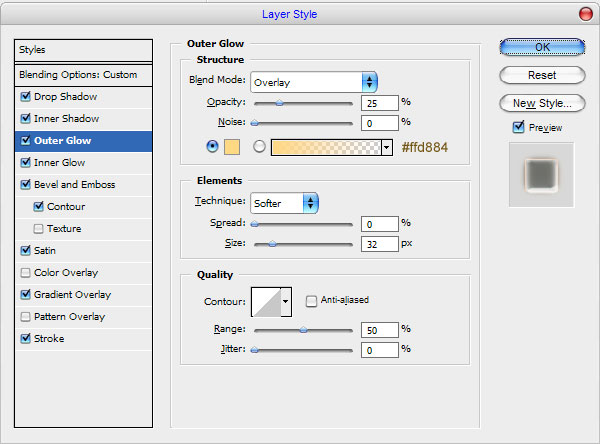
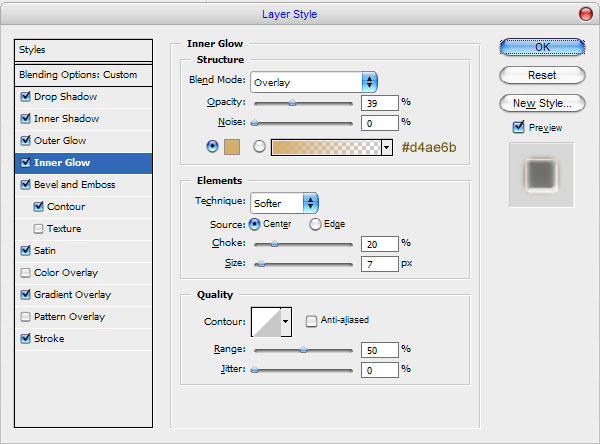
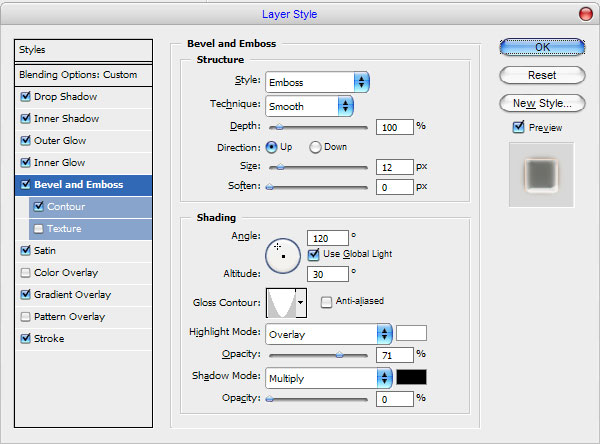
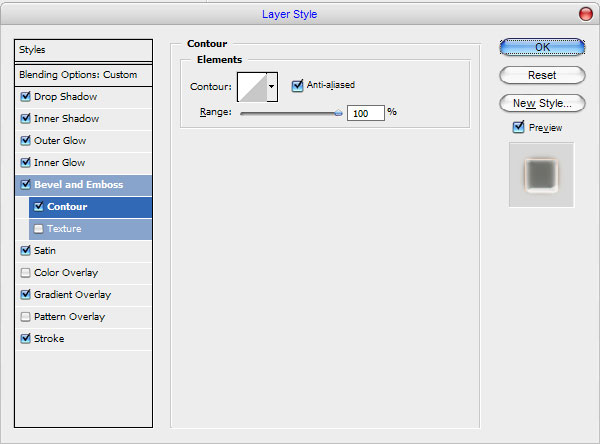
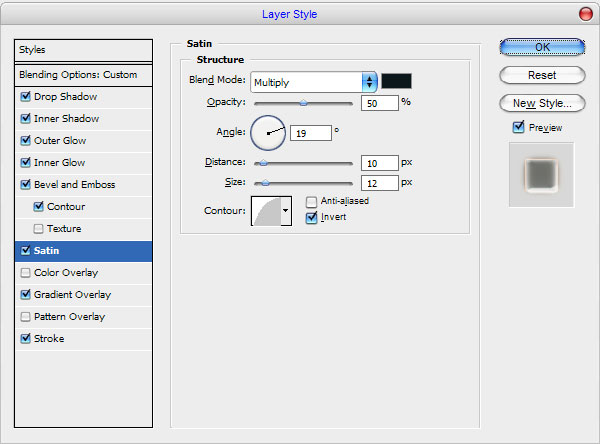
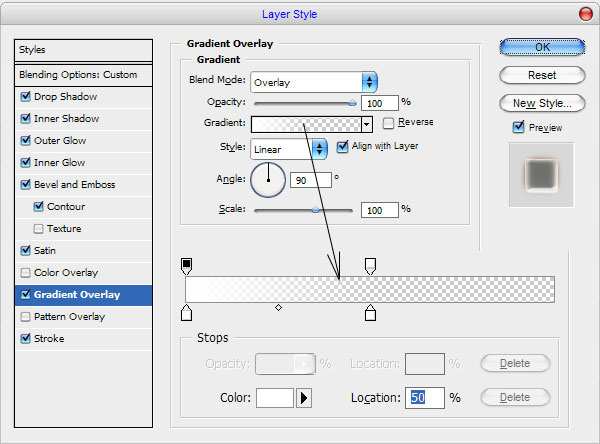
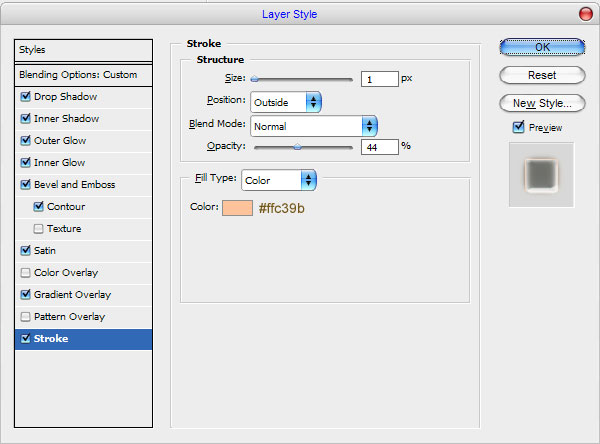
And the result should be next:

Then select the shape contour with Select > Load Selection, after that create a new layer above and fill selected area with white to transparent gradient.

Remove selection with Ctrl+D and change layer mode to Overlay.

We are almost done with this effect. Add a little bit more shapes to the background.

Looks good, don’t you think? And there you have the finished product: